

Overview
This prompt aims to generate a detailed description for an e-commerce product image. E-commerce businesses and marketers will benefit by enhancing their product presentation and appeal.
Prompt Overview
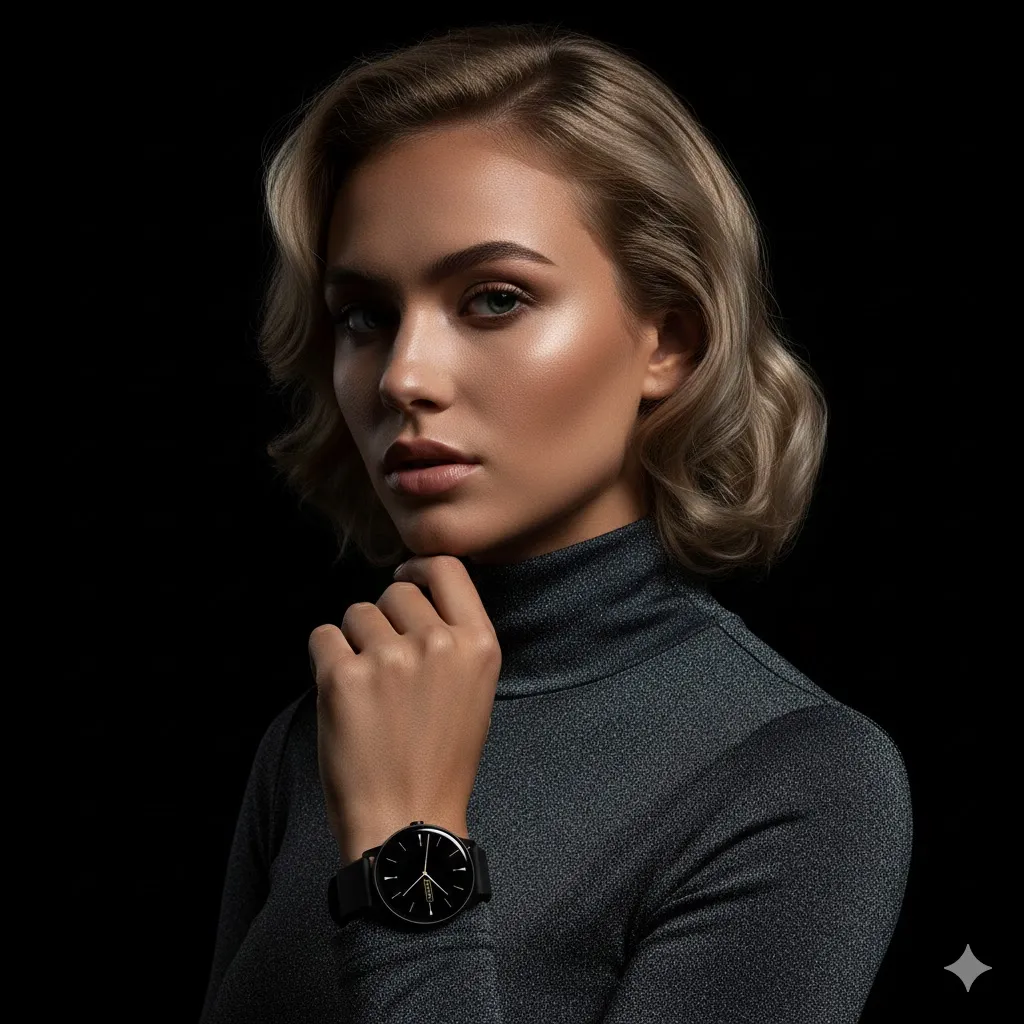
Purpose: This image aims to showcase the elegance and sophistication of the featured product.
Audience: The target audience includes fashion-conscious consumers looking for high-quality e-commerce products.
Distinctive Feature: The dramatic lighting and low-angle perspective enhance the model’s glamorous appearance and highlight the product’s details.
Outcome: The photograph is designed to attract potential buyers and elevate the brand’s image in the e-commerce market.
Quick Specs
- Media: Image
- Use case: Creative Concepts, Enhancement, Generation
- Industry: Content & Media Creation, E-Commerce Platforms & Marketplaces
- Techniques: Style Guide Adherence
- Models: DALL·E 3, Midjourney V6
- Estimated time: 5-15 minutes
- Skill level: Beginner
Variables to Fill
No inputs required — just copy and use the prompt.
Example Variables Block
No example values needed for this prompt.
The Prompt
“A close-up studio portrait of a young Caucasian woman with light blonde styled hair and a sophisticated expression, subtle makeup enhancing her bronzed complexion and defined eyebrows, wearing a fitted dark gray textured sparkling turtleneck top and a [product as attached image dramatic lighting illuminating her face and upper body with sharp contrast against a pure black background, centered composition with a slight low-angle perspective emphasizing elegance and glamour, shot with a Canon EOS R5, 85mm f/1.2 lens, rich neutral tones with deep shadows and soft highlights.”
Input:
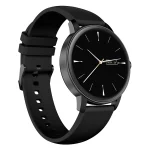
Output:
How to Use This Prompt
- Copy the prompt.
- Replace “[product as attached image]” with your product description.
- Adjust the model’s features if needed for diversity.
- Modify the lighting and background details as desired.
- Use a suitable camera and lens for your shoot.
- Review and finalize the prompt for clarity and effectiveness.
Tips for Best Results
- Focus on Lighting: Use dramatic lighting to enhance the subject’s features and create a striking contrast.
- Choose the Right Lens: An 85mm f/1.2 lens is ideal for capturing sharp portraits with beautiful bokeh.
- Emphasize Elegance: Opt for sophisticated clothing and subtle makeup to convey a sense of glamour.
- Consider Composition: A centered composition with a low-angle perspective can add depth and draw attention to the subject.
FAQ
- What type of photography is described in the context?
The photography described is a close-up studio portrait. - What camera and lens were used for the shot?
A Canon EOS R5 camera with an 85mm f/1.2 lens was used. - What is the woman’s hair color in the portrait?
The woman has light blonde styled hair. - What background is used in the portrait?
The background is pure black, creating sharp contrast.
Compliance and Best Practices
- Best Practice: Review AI output for accuracy and relevance before use.
- Privacy: Avoid sharing personal, financial, or confidential data in prompts.
- Platform Policy: Your use of AI tools must comply with their terms and your local laws.
Revision History
- Version 1.0 (January 2026): Initial release.
