

Overview
This prompt aims to provide a comprehensive analysis of a photographic scene, detailing technical elements and lighting setups. Photographers and visual artists will benefit from the in-depth breakdown for improving their own work.
Prompt Overview
Purpose: This analysis aims to provide a detailed breakdown of the visual elements and setup used in the image.
Audience: The intended audience includes photographers, cinematographers, and enthusiasts interested in behind-the-scenes production techniques.
Distinctive Feature: The setup features multiple lighting sources, including practical lights and background uplights, enhancing the scene’s depth.
Outcome: A comprehensive understanding of the shot’s creation process, including camera settings and light placements, will be achieved.
Quick Specs
- Media: Image
- Use case: Analysis, Content Creation, Generation
- Industry: Content & Media Creation
- Techniques: Decomposition, Self-Critique / Reflection, Structured Output
- Models: DALL·E 3, Midjourney V6
- Estimated time: 5-15 minutes
- Skill level: Beginner
Variables to Fill
No inputs required — just copy and use the prompt.
Example Variables Block
No example values needed for this prompt.
The Prompt
Analyze the attached image in extreme detail. Break down every visible element from small background lights and props to camera placement, lighting direction, and overall scene composition and visualize a realistic behind-the-scenes (BTS) setup showing how this shot was created. Identify the camera body, lens type, camera settings (ISO, aperture, shutter speed), backdrop, and all lighting used (key light, fill light, back drop light, back/rim lights, softboxes, practical lights, etc.).
Generate a labeled behind-the-scenes image that clearly shows the full setup, including camera position, light placement, modifiers, and distances props lights and anything related Do NOT ignore or generalize any lights placed behind props or plants. Treat these as separate background uplights and analyze them independently from rim or back lights.
Keep the analysis and visualization as accurate and realistic as possible based on the image.
Screenshot Examples
Input:
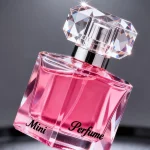
Output:
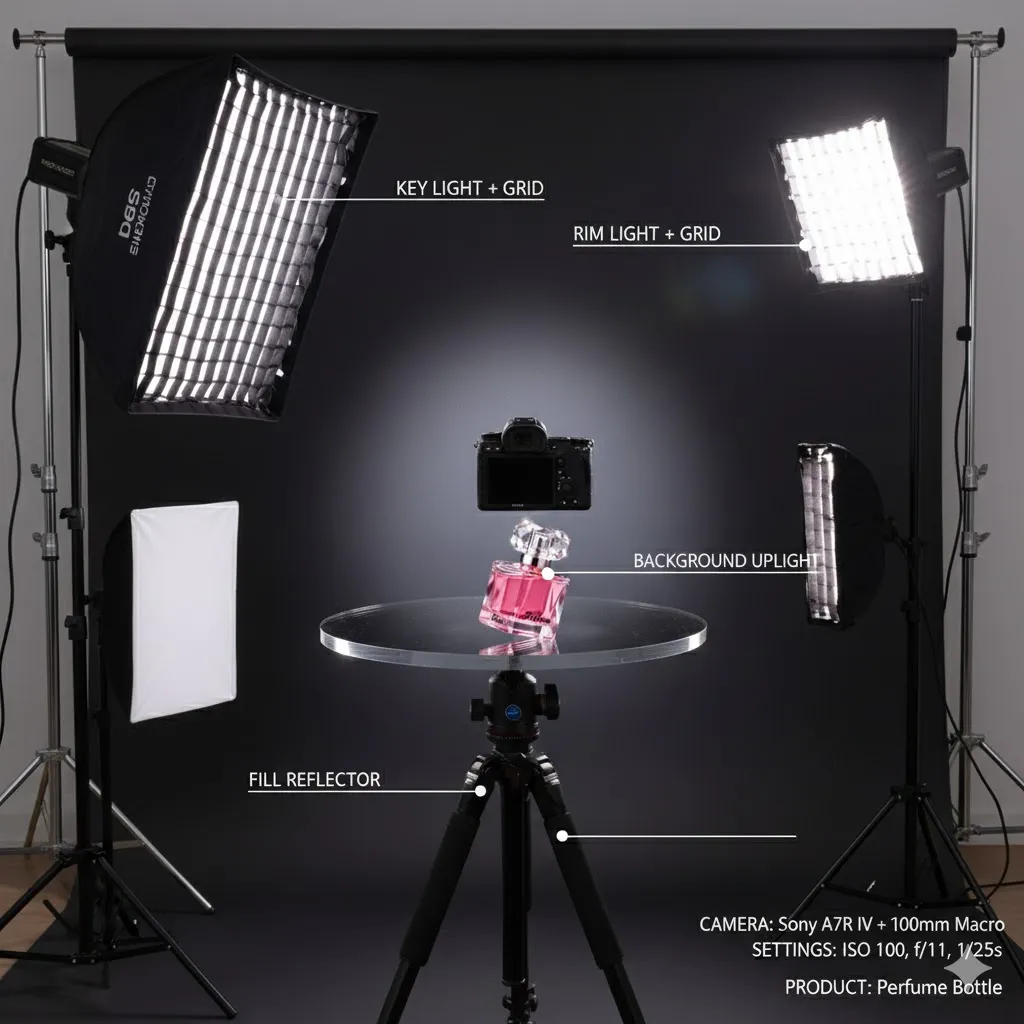
How to Use This Prompt
- Copy the prompt provided above.
- Paste the prompt into your preferred text editor or AI tool.
- Attach the relevant image for analysis.
- Run the prompt to generate detailed analysis and visualization.
- Review the output for accuracy and completeness.
- Adjust any settings or details as needed for clarity.
Tips for Best Results
- Camera Setup: Use a DSLR or mirrorless camera with a 50mm lens for a natural perspective.
- Lighting Arrangement: Position a softbox as the key light at a 45-degree angle to the subject for soft shadows.
- Background Elements: Incorporate practical lights in the background to add depth and interest to the scene.
- Camera Settings: Set ISO to 100, aperture to f/2.8, and shutter speed to 1/125s for optimal exposure.
FAQ
- What elements should be analyzed in the image?
Analyze background lights, props, camera placement, lighting direction, and scene composition. - What details are needed for the camera setup?
Identify camera body, lens type, ISO, aperture, shutter speed, and backdrop. - What types of lighting should be included?
Include key light, fill light, backdrop light, rim lights, softboxes, and practical lights. - How should the behind-the-scenes setup be visualized?
Create a labeled image showing camera position, light placement, modifiers, and distances.
Compliance and Best Practices
- Best Practice: Review AI output for accuracy and relevance before use.
- Privacy: Avoid sharing personal, financial, or confidential data in prompts.
- Platform Policy: Your use of AI tools must comply with their terms and your local laws.
Revision History
- Version 1.0 (January 2026): Initial release.
