

Overview
This prompt aims to create a visually engaging infographic that combines photography with architectural details. E-commerce businesses, educators, and design professionals will benefit from this informative visual representation.
Prompt Overview
Purpose: This infographic aims to educate viewers about the architectural and engineering details of the landmark.
Audience: The target audience includes architecture students, professionals, and enthusiasts interested in structural design.
Distinctive Feature: The blend of realistic photography with blueprint aesthetics creates a visually engaging educational tool.
Outcome: Viewers will gain a deeper understanding of the landmark’s design and structural elements through this infographic.
Quick Specs
- Media: Image
- Use case: Creative Concepts, Expansion & Elaboration, Generation
- Industry: Content & Media Creation, E-Commerce Platforms & Marketplaces
- Techniques: Self-Consistency, Structured Output, Style Guide Adherence
- Models: DALL·E 3, Midjourney V6
- Estimated time: 5-15 minutes
- Skill level: Beginner
Variables to Fill
- [LANDMARK attached in image] – Landmark Attached In Image
- [LANDMARK as attached image] – Landmark As Attached Image
Example Variables Block
- [LANDMARK attached in image]: Eiffel Tower
- [LANDMARK as attached image]: Eiffel Tower Infographic
The Prompt
Generate an infographic-style image of [LANDMARK attached in image] using a realistic photo of the site as the base. Overlay the photograph with blueprint-inspired technical annotations, including white chalk-like sketches, structural measurements, material quantities, internal diagrams, load-flow arrows, cross-sections, floor plans, and key architectural or engineering details. Add a hand-drawn title box in the corner labeled “[LANDMARK as attached image]”. The final image should blend real-world photography with architectural blueprint aesthetics, creating an educational, technical, visually rich infographic.
Example:
Input:
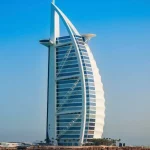
Output:
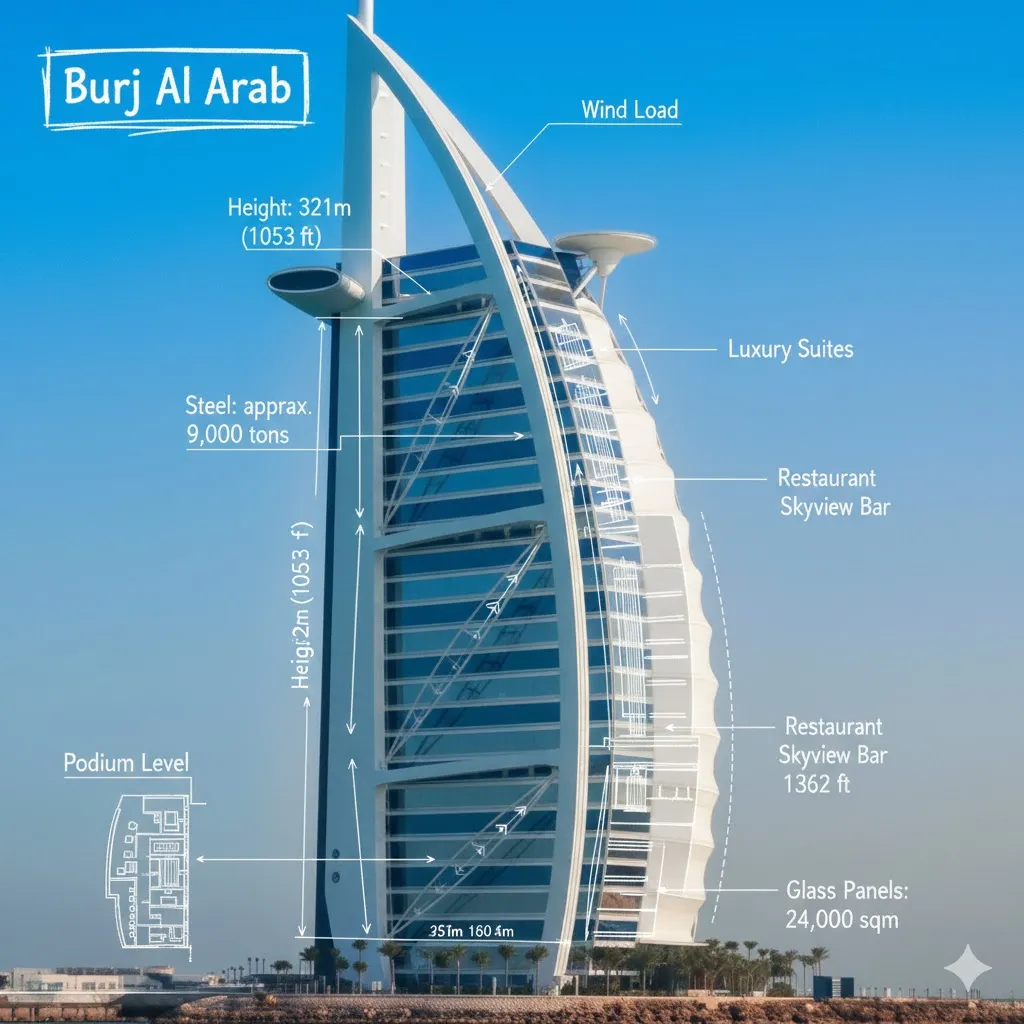
How to Use This Prompt
- [LANDMARK]: The specific site or structure.
- [PHOTO]: Realistic image of the landmark.
- [ANNOTATIONS]: Technical notes and sketches overlay.
- [MEASUREMENTS]: Structural dimensions and quantities.
- [DIAGRAMS]: Internal layouts and flow representations.
- [TITLE BOX]: Hand-drawn label for the landmark.
- [AESTHETICS]: Blend of photography and blueprint style.
- [EDUCATIONAL]: Informative and visually rich content.
Tips for Best Results
- Visual Balance: Ensure the photograph and blueprint elements complement each other for a cohesive look.
- Clarity in Annotations: Use clear, legible fonts for technical details to enhance readability.
- Color Contrast: Utilize contrasting colors for the annotations to make them stand out against the photo background.
- Title Placement: Position the hand-drawn title box in a way that does not obstruct key features of the landmark.
FAQ
- What is e-commerce?
E-commerce refers to buying and selling goods or services online. - How does e-commerce benefit consumers?
E-commerce offers convenience, a wider selection, and often better prices. - What are common e-commerce platforms?
Popular e-commerce platforms include Shopify, Amazon, eBay, and WooCommerce. - What is mobile commerce?
Mobile commerce is shopping conducted via mobile devices like smartphones and tablets.
Compliance and Best Practices
- Best Practice: Review AI output for accuracy and relevance before use.
- Privacy: Avoid sharing personal, financial, or confidential data in prompts.
- Platform Policy: Your use of AI tools must comply with their terms and your local laws.
Revision History
- Version 1.0 (January 2026): Initial release.
