

Overview
This prompt aims to generate a detailed description for e-commerce marketing purposes. Fashion brands and photographers will benefit from the guidance on creating compelling visual content.
Prompt Overview
Purpose: This image aims to showcase a fashion model enjoying a product in a relatable urban setting.
Audience: The target audience includes fashion enthusiasts and potential customers interested in lifestyle and e-commerce products.
Distinctive Feature: The close-up selfie style emphasizes the model’s features and the product, enhancing viewer engagement.
Outcome: This photograph is designed to attract attention and drive sales through its stylish and relatable presentation.
Quick Specs
- Media: Image
- Use case: Analysis, Classification & Categorization, Creative Concepts
- Industry: Content & Media Creation, E-Commerce Platforms & Marketplaces, Fashion & Apparel Retail
- Techniques: Few-Shot Prompting
- Models: DALL·E 3, Midjourney V6
- Estimated time: 5-15 minutes
- Skill level: Beginner
Variables to Fill
No inputs required — just copy and use the prompt.
Example Variables Block
No example values needed for this prompt.
The Prompt
“A close-up selfie photograph captures a fashion model woman with a slim build and smooth skin, drinking from the product as attached image She wears a blue and white striped shirt with wide sleeves, over her sleekly tied-back hair, and a shoulder bag strap. Her eyebrows are raised, and she has long red manicured nails. The urban setting shows a sidewalk with parked vehicles and buildings in the background under an overcast daylight, resulting in diffused lighting with mild reflections on her sunglasses. The image has a shallow depth of field, focusing on the subject’s face and coffee cup. Close-up selfie photography with soft natural lighting and shallow depth of field creates a sharp focus on the subject against a blurred urban background.
Input:
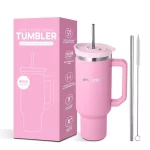
Output:
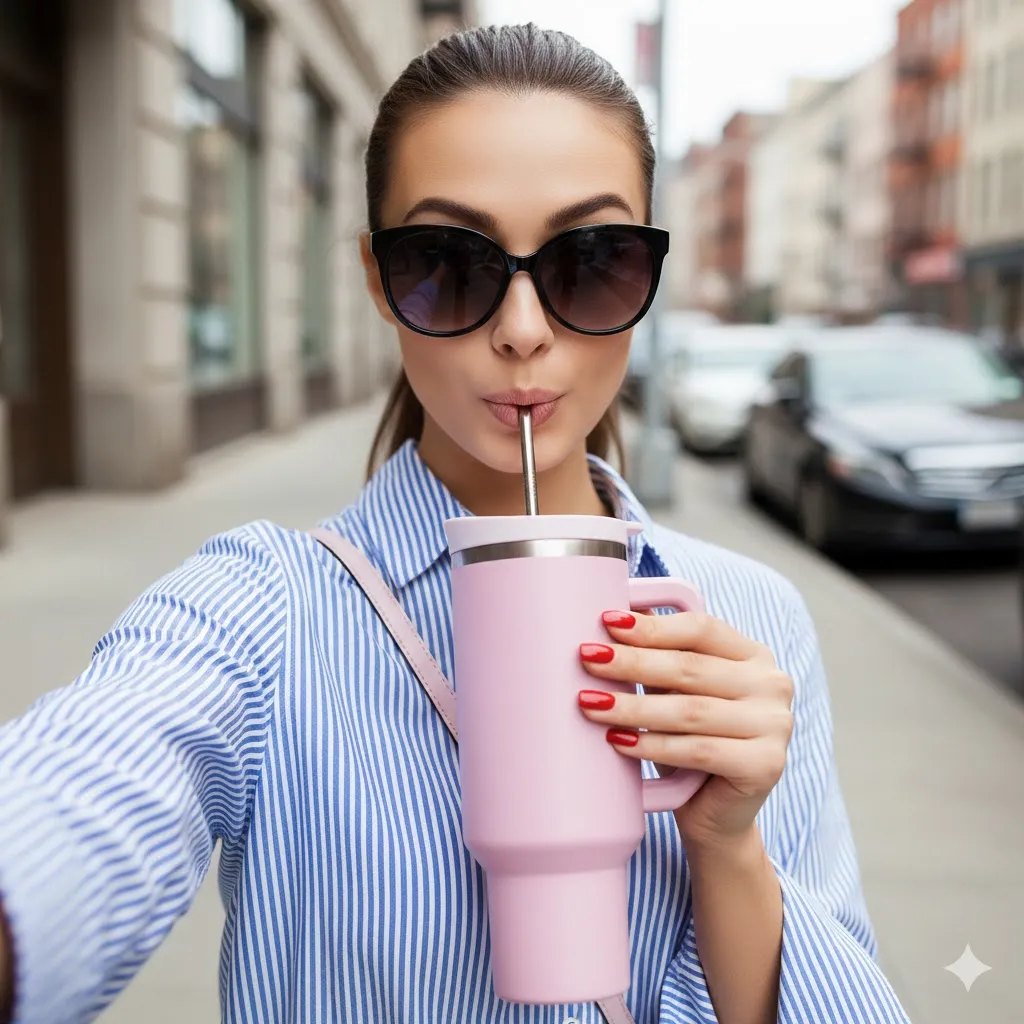
How to Use This Prompt
- Copy the prompt provided above.
- Paste it into your preferred text editor.
- Modify details to fit your specific e-commerce product.
- Adjust the model description as needed for diversity.
- Use the prompt for creating marketing visuals or content.
- Review and refine the prompt for clarity and impact.
Tips for Best Results
- Optimize Lighting: Use natural light for soft, flattering effects in your product photography.
- Focus on Details: Highlight product features with shallow depth of field to draw attention to the subject.
- Engage with Emotion: Capture genuine expressions to connect with your audience and enhance brand relatability.
- Consider Background: Use blurred urban settings to create context without distracting from the main subject.
FAQ
- What is the model wearing in the photograph?
The model is wearing a blue and white striped shirt with wide sleeves. - What color are the model’s nails?
The model has long red manicured nails. - What type of lighting is used in the image?
The image features soft natural lighting under overcast daylight. - What is the focus of the photograph?
The focus is on the model’s face and coffee cup against a blurred background.
Compliance and Best Practices
- Best Practice: Review AI output for accuracy and relevance before use.
- Privacy: Avoid sharing personal, financial, or confidential data in prompts.
- Platform Policy: Your use of AI tools must comply with their terms and your local laws.
Revision History
- Version 1.0 (January 2026): Initial release.
